

Write an e-mail with the AI assistant
On this page
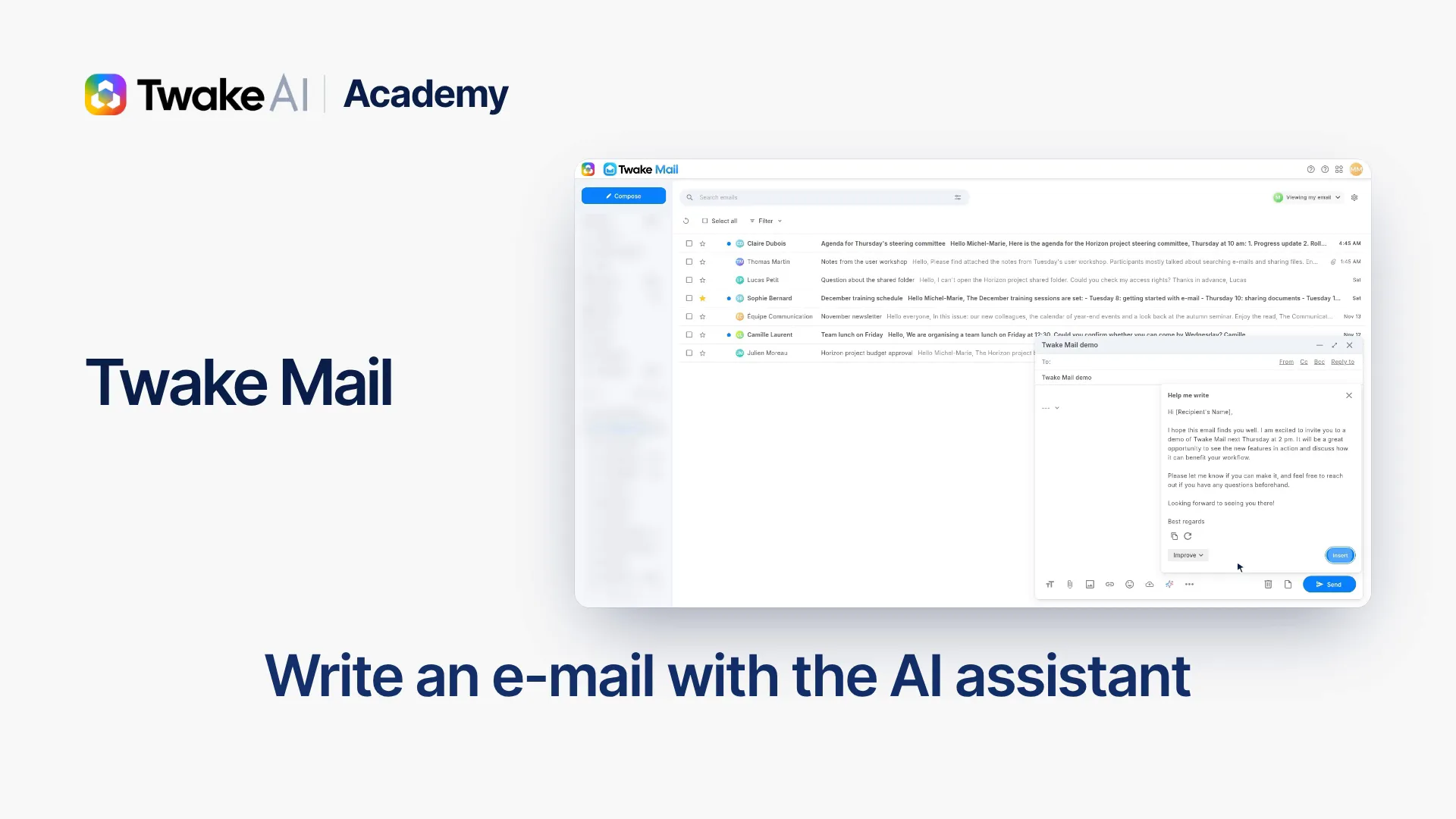
The YouTube player loads only when you click: no tracking until the video starts.
At a glance: Compose › sparkle icon AI assistant · about 1 minute.
-
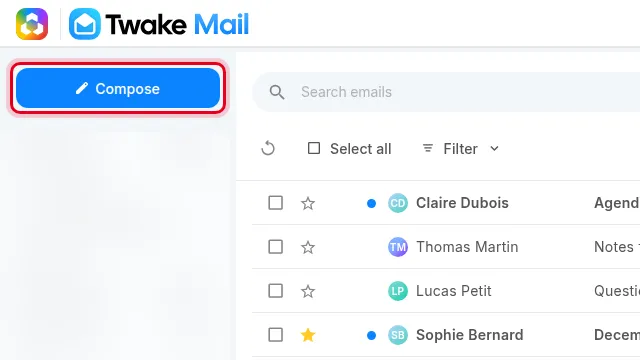
In Twake Mail, click Compose to open a new message.
-
Enter the Subject of your message.
-
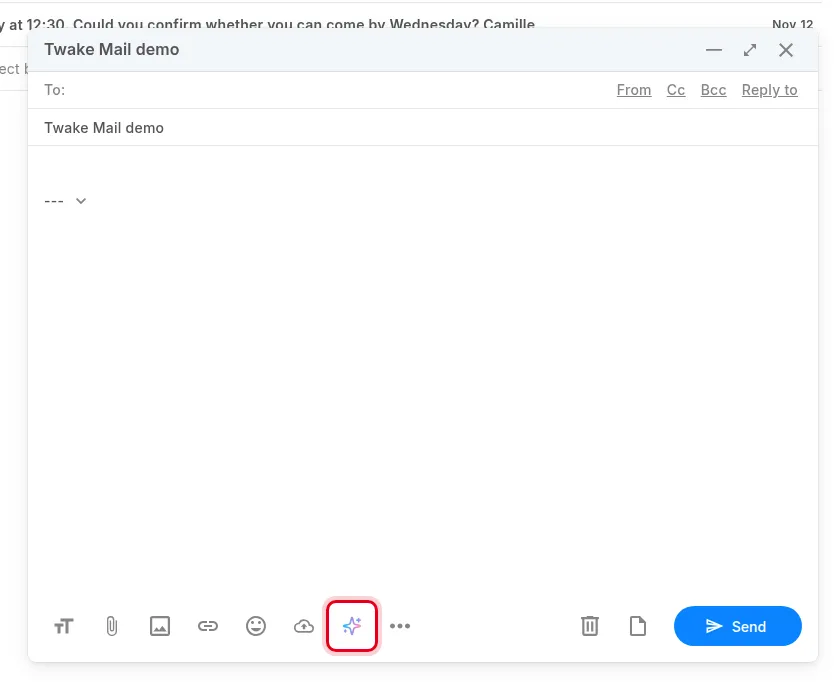
In the message toolbar, click the sparkle icon AI assistant.
-
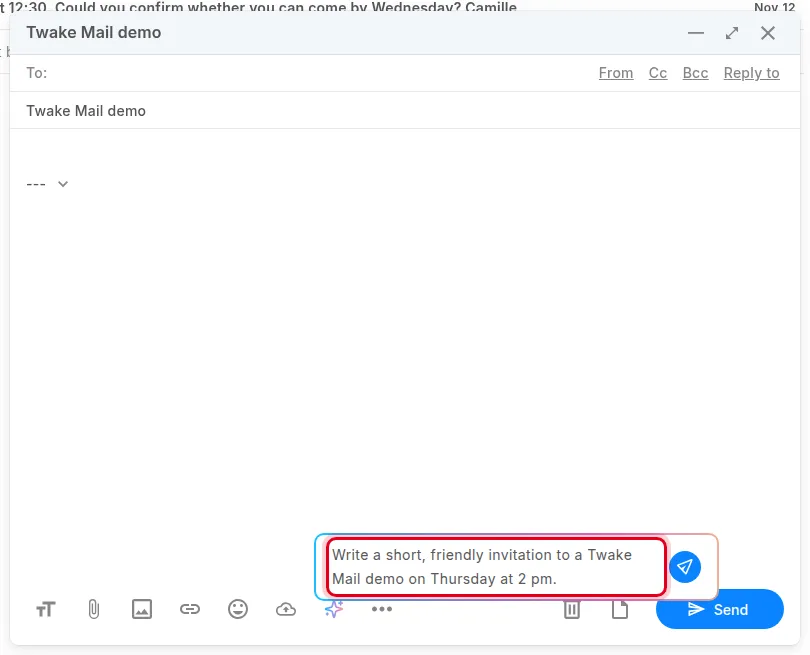
In the Help me write field, describe the message you want in one sentence, then press Enter.
-
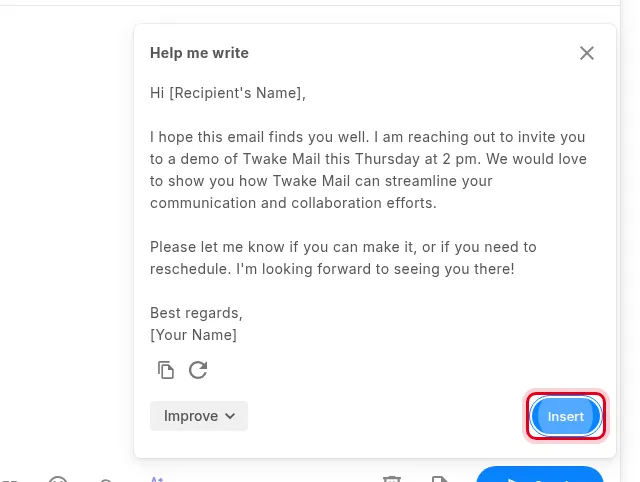
The assistant suggests a text. The circular arrow suggests another one, Improve lets you rework it, and the copy icon copies it.
-
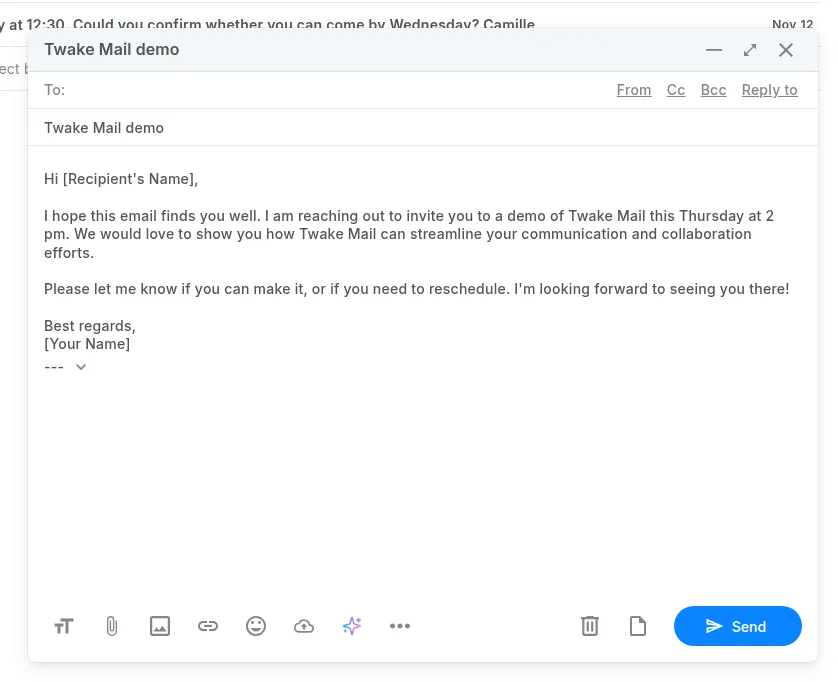
Click Insert: the text is added to your message.
-
Review the text, add your recipients, then click Send.