Create multiple signatures
On this page
Twake Mail · 1 / 1Create multiple signaturesComing soon
The YouTube player loads only when you click: no tracking until the video starts.
At a glance: Settings › Profiles › Create new identity · about 1 minute.
In Twake Mail, each signature belongs to an identity: a sender name, an address and a signature. Creating several identities gives you several signatures to choose from for each message.
-
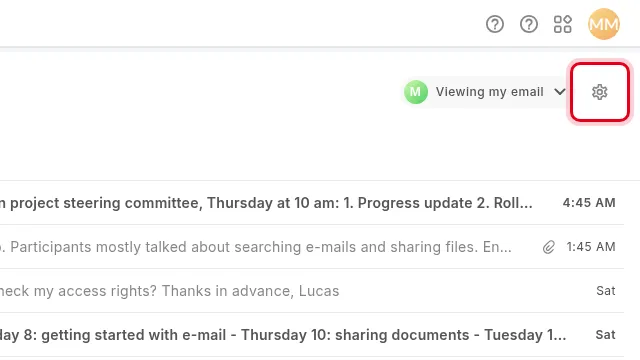
In Twake Mail, click Settings: the gear icon at the top right of the message list. The Profiles page lists your identities.
-
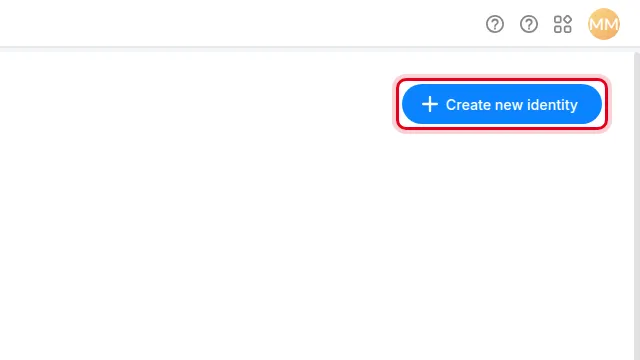
Click Create new identity.
-
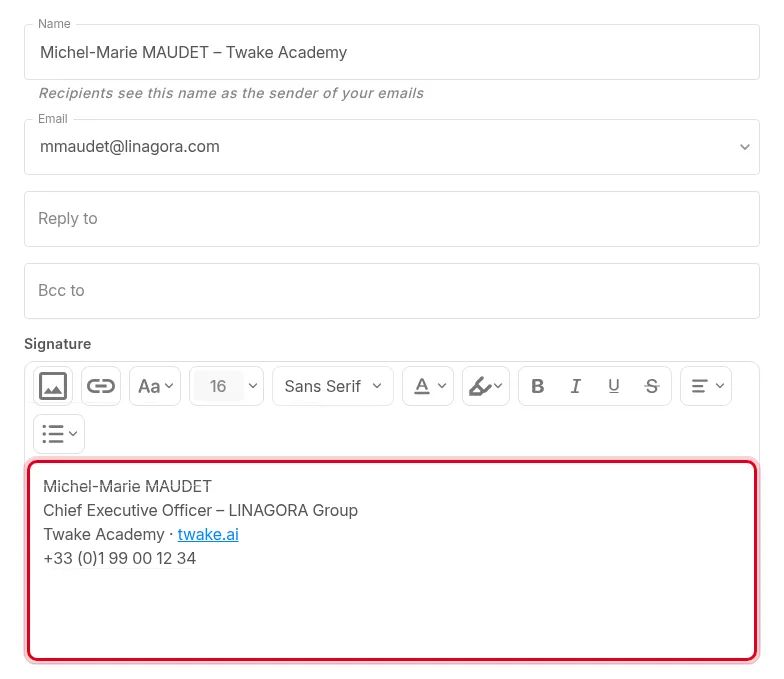
Enter the Name: your recipients will see it as the sender. Then write the Signature for this identity.
-
Click Create.
-
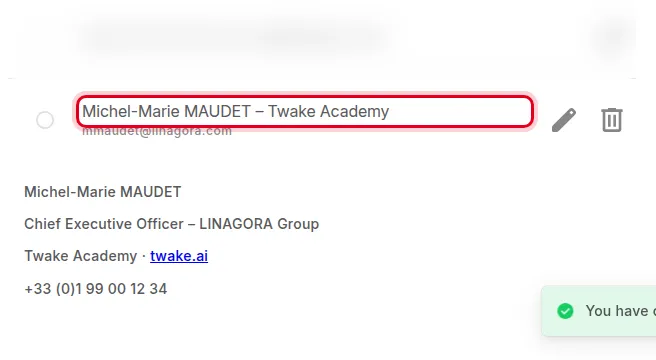
The new identity appears in the Profiles list, with its signature.